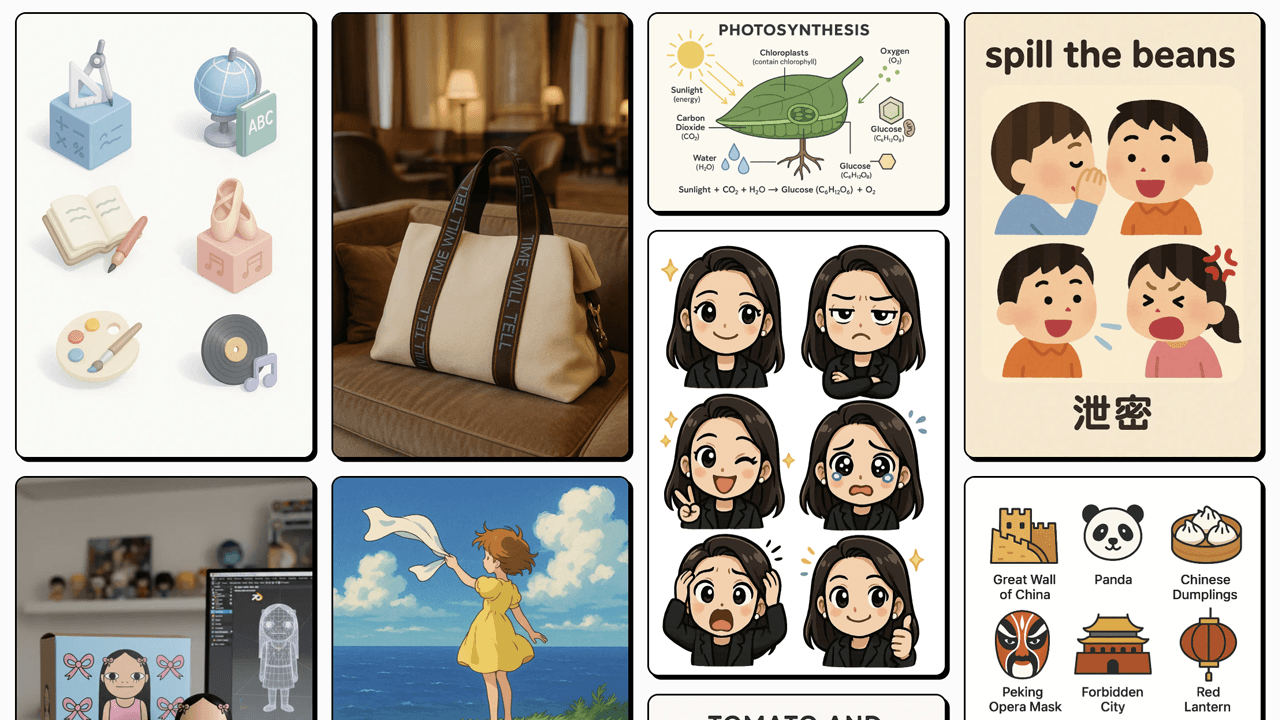
AnyIMG Tutorial Guide
This tutorial will help you quickly master AnyIMG, from beginner to creating beautiful AI images with confidence
Which Mode to Choose?
Text to Image
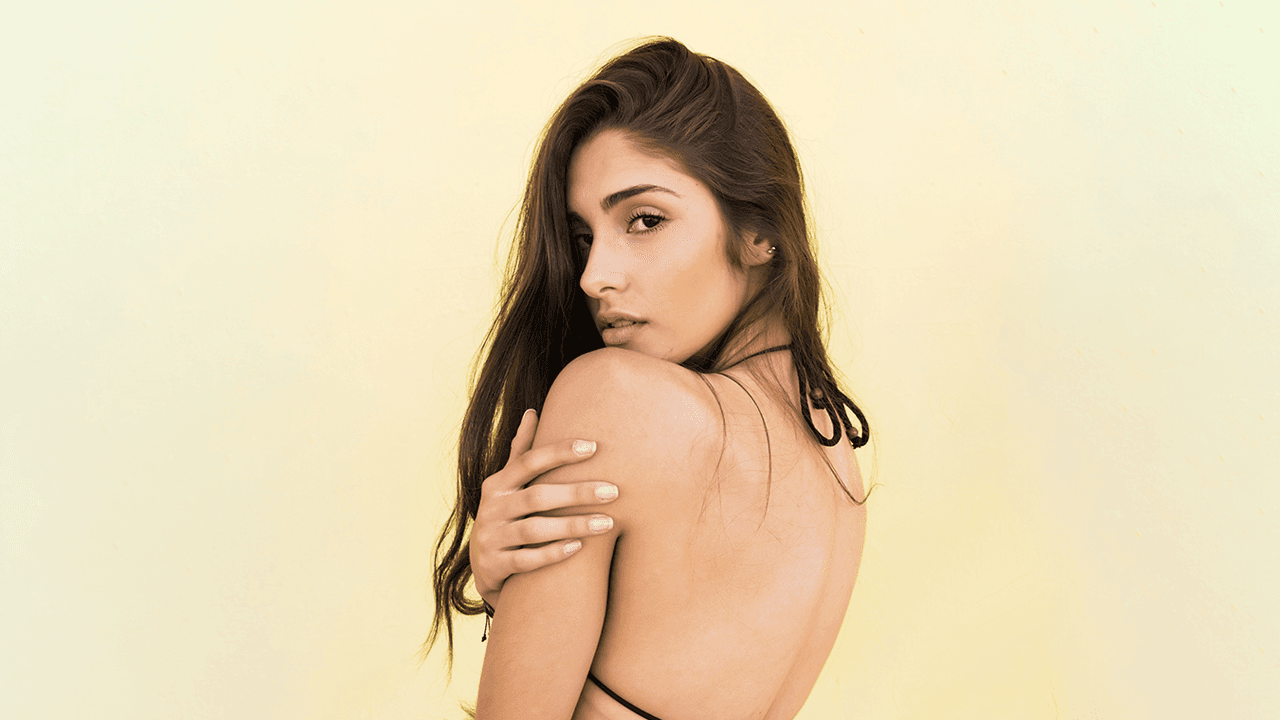
Start creating with text prompts. Perfect for scenarios without image references.
Image to Image
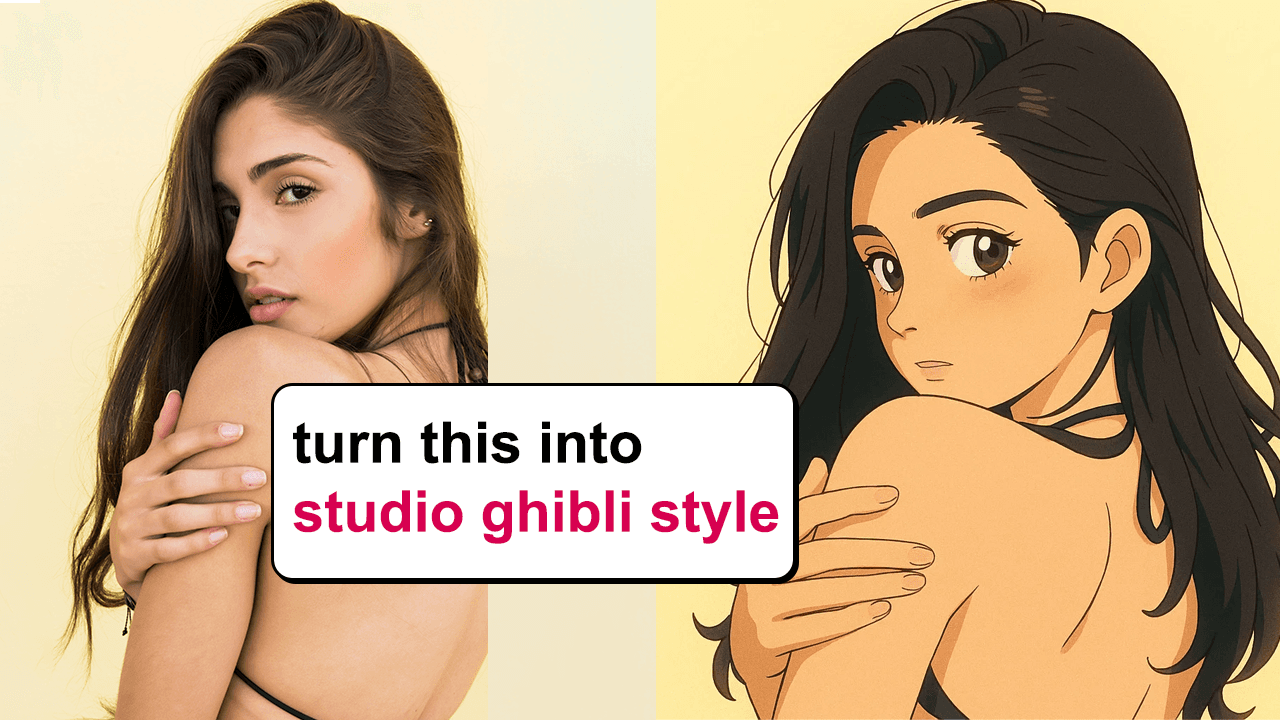
Start creating from image + text prompts. Uses AnyIMG default model, ideal for image stylization scenarios.
Image Editing
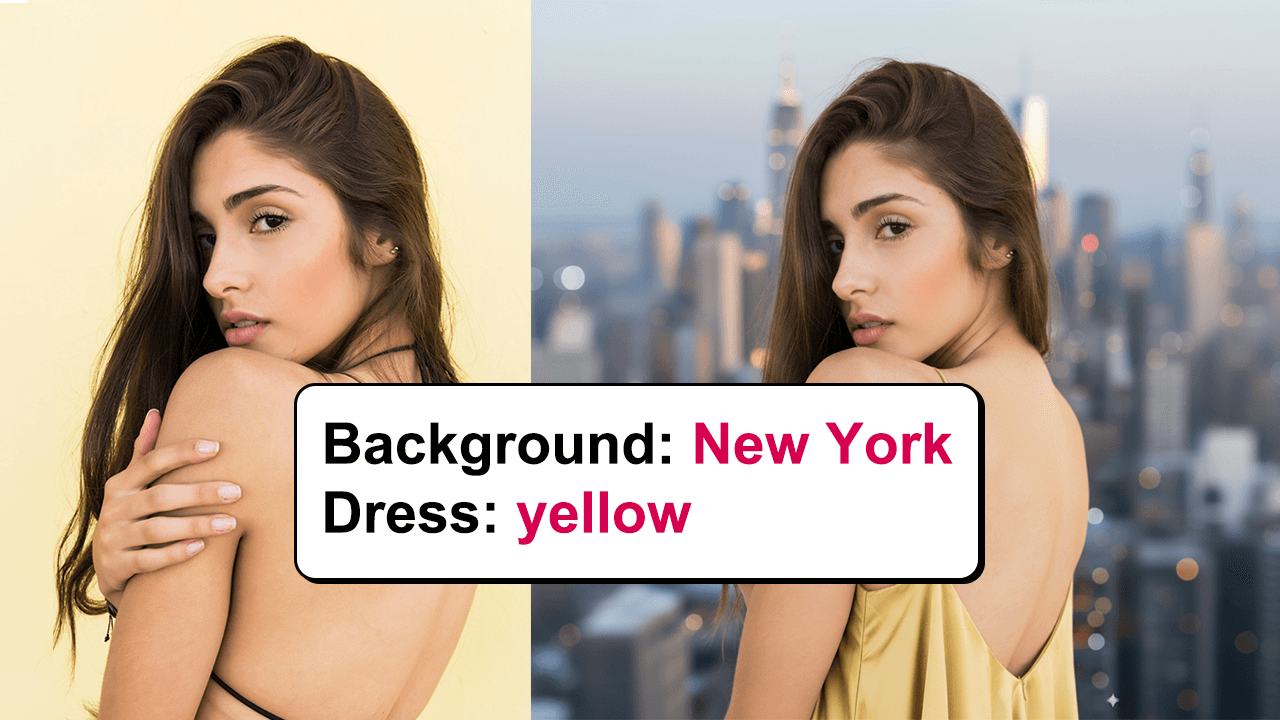
Precise local editing of existing images. Uses Nano-Banana, ideal for fine-tuning specific areas of the image.
How to Use Gallery?
Find Inspiration and Prompts
When you lack inspiration or don't know how to write prompts, browse the Gallery. The Gallery has many preset prompts that are continuously updated.
1
Browse Gallery to find inspiring works and prompts
2
Click 'Use Prompt' to automatically use prompt
3
Edit prompt and start generating your unique creations